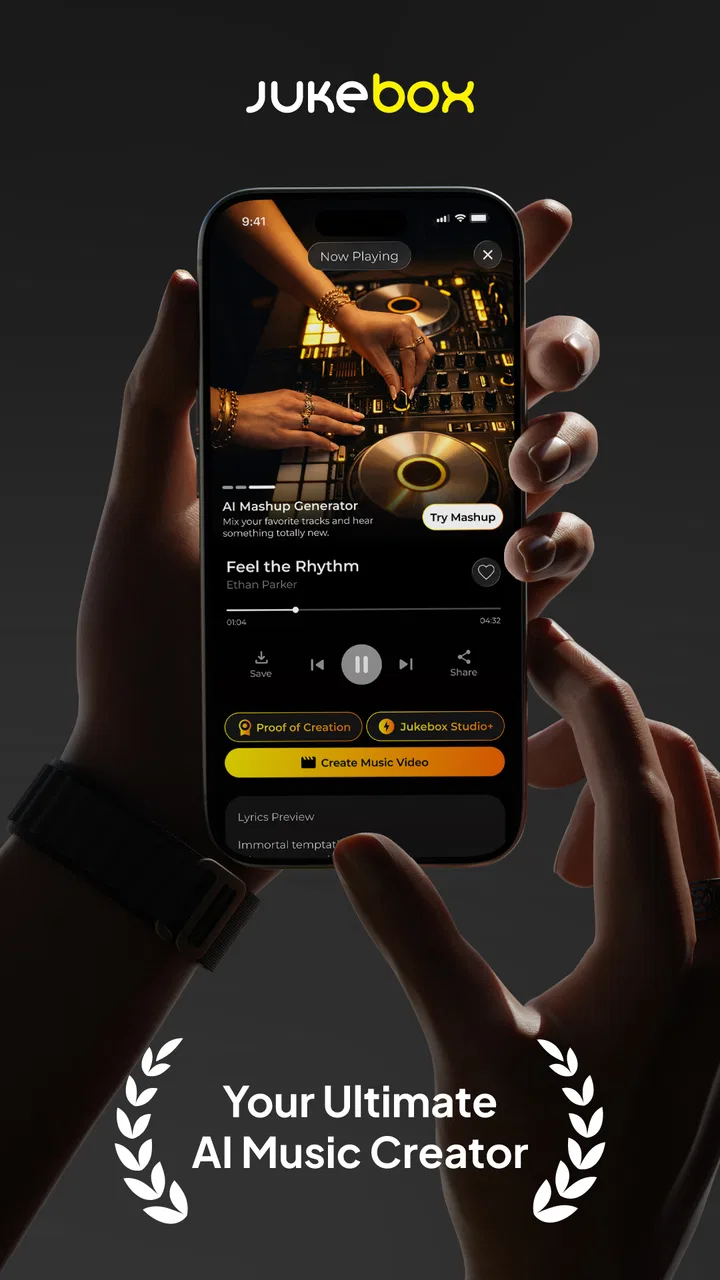
AI Song Generator - Jukebox
- 4.7
- Rating
- 5.00M
- Installs
- Free
- Price

 Analysis by App-foxy
I approached AI Song Generator - Jukebox as a practical music-making tool rather than a replacement for a full recording studio. Its appeal is immediate: you describe the kind of song you want, and the app turns that idea into a generated track. That makes it interesting for people who have melodies in their head, need a quick mood piece, or simply want to experiment without learning a digital audio workstation first.
My overall impression is positive but measured. The app makes the first step into AI music creation unusually approachable, and its free entry point removes much of the hesitation that normally comes with trying a new creative tool. At the same time, prompt-based generation is not the same as having detailed control over every instrument, vocal phrase, arrangement decision, or mix. Whether it feels useful or restrictive depends heavily on what you expect from it.
What the app feels like in everyday use
The product comes from TWOWISE Bilgi Teknolojileri Limited Sirketi and sits in the Music & Audio category. It is free to install, aimed at Everyone, and supports devices running Android 7.0 or later. The current version is 2.0.4, while the app itself was released on October 16, 2024. Those details make it accessible to a broad range of Android users, including people who are not carrying a recent flagship phone.
You May Also Like

 Blood Strike: 2.5 Anniversary
Blood Strike’s Loadouts Turn Every Drop Into a Tactical Gamble
A close look at Blood Strike’s custom loadouts: how fast access to signature weapons reshapes its battle royale rhythm, rewards preparation, and narrows the gap between fights.

 Pandora - Music & Podcasts
Pandora’s Music Is Easy to Start, but Harder to Recover
Pandora’s strength is its low-effort path from a seed to a station. Its weak spot is how much confidence it asks you to place in connection, setup, and quiet recovery.

 8 Ball Pool
 Is Built on Rivalries, Rematches, and Routine
A close look at the rivalries, rematches, shared routines, and unanswered safety questions that turn a quick pool match into a persistent mobile community.

 Samsung Music
’s Quiet Strength Is Playing What You Already Own
Its reach comes less from spectacle than from dependable access to a personal library. That simplicity is both the app’s strongest retention engine and its ceiling.

 AccuWeather: Weather Radar
AccuWeather Review: A Quick, Clear Forecast for Everyday Decisions
For everyday plans, the best forecast is the one you can understand quickly. AccuWeather makes rain timing, radar, and local conditions easy to act on, with a few trade-offs.

 Hill Climb Racing
Why Hill Climb Racing Still Turns Crashes Into One More Run
A tiny car, a bumpy hill and one more upgrade: Hill Climb Racing keeps resurfacing because its simple chaos makes every near-miss feel personal.
More From Our News Desk



Its central idea is simple enough to explain to a friend: write a prompt describing a song, then let the app develop that starting point into a fuller musical result. The important shift is that you are not beginning with a blank timeline, a piano-roll editor, or a library of loops. You begin with language. That changes the creative process from arranging sounds manually to describing an outcome and judging what comes back.
I find that approach especially useful when the goal is exploration. If I want to hear how a relaxed acoustic idea might differ from a darker electronic interpretation, a prompt-based tool can get me to those possibilities faster than building both arrangements from scratch. It is also a good way to discover directions I would not have considered on my own.
The app has attracted a 4.7 average from around 49 thousand ratings, with more than a million installs. That level of adoption suggests that the concept is reaching well beyond professional musicians. I would read those figures as evidence of strong general interest, not as a promise that every generated song will suit every listener. AI output remains subjective, and the same prompt can be exciting to one person and disappointing to another.
Why the prompt matters more than most beginners expect
A vague request such as “make a good song” gives the system very little creative direction. I get better results by treating the prompt like a compact brief. I describe the mood, pace, broad genre, energy level, main instruments, vocal character if relevant, and the setting where I imagine the track being used. I avoid stuffing the request with contradictory instructions, because too many competing ideas make it harder to judge the result.
A useful workflow is to change one element at a time. I might begin with a mellow instrumental track, then keep the general mood while changing the tempo or instrumentation. This makes the comparison meaningful. If I rewrite the entire prompt every time, I cannot tell which instruction actually improved the result.
Another practical habit is to write prompts for a purpose instead of only a genre. “Background music for a quiet reading video” communicates a different need from “a dramatic song for a trailer.” The first suggests restraint and space; the second suggests impact and movement. That kind of context gives the generator a more useful target than a list of fashionable labels.
The strongest results usually come from clear creative constraints, not from the longest prompt. I would rather specify four compatible ideas than provide a paragraph packed with every style I enjoy. This is one of the app’s less obvious lessons: the quality of the interaction depends partly on how well the user can describe a musical intention.
A realistic use case: turning a rough idea into a shareable draft
Imagine I am preparing a short travel video and realize that the footage needs a warmer musical bed. I do not need a fully finished commercial soundtrack at that stage. I need a direction I can listen to, compare against the images, and possibly use as a temporary guide. This is where the app makes sense. I can describe the atmosphere, generate an idea, and decide whether the footage feels better with something calm, bright, tense, or reflective.
The same workflow works for a podcast introduction, a personal slideshow, a birthday project, or a private songwriting exercise. In each case, the generated track acts as a starting point or a mood reference. It can help answer a question that is difficult to solve in the abstract: “What would this idea feel like if it were actually musical?”
For a songwriter, the benefit may be less about accepting the output unchanged and more about using it to break a creative block. A generated arrangement can reveal a rhythm, texture, or emotional contrast worth recreating manually. I would treat the result as a sketch unless it clearly meets the intended standard. That mindset keeps the app useful without expecting it to replace personal taste and editing.
Where it differs from conventional music apps
Traditional loop-based apps give me direct control over building blocks. I can choose a drum pattern, place a bass line, adjust a loop, and gradually assemble a track. A full digital audio workstation goes further, offering detailed editing, recording, mixing, and arrangement work. Those tools are better when I already know exactly what I want to play or edit.
AI Song Generator - Jukebox serves a different moment in the process. It is faster at turning a verbal concept into an audible possibility, but less suitable when I want to place every note myself. Compared with a conventional beat maker, it trades precision for speed. Compared with a streaming service, it is about creating an idea rather than browsing a finished catalog. Compared with a professional production environment, it is lighter and easier to approach, but not a substitute for detailed control.
I would choose this app when the question is “Can I quickly hear a version of this concept?” I would choose a conventional editor when the question is “How do I make this exact song, with this exact structure and mix?” That distinction prevents a lot of frustration. The app is strongest at ideation and experimentation, not at replacing every stage of music production.
Trust, controls, and responsible use
I pay attention to the choices around a creative app as much as the sound it produces, especially when a prompt might describe an unfinished idea or a personal project. Here, I’d keep prompts focused on musical direction and take a moment to review the permissions and purchase details shown on my device. That small pause helps me stay deliberate about what I share and how I use the results.
What I look for before giving a creative app access to my ideas
Music prompts can reveal more than people realize. A request might mention a personal event, a private project, a client’s campaign, or an unfinished song concept. Because of that, I would avoid entering sensitive information simply because the prompt box makes it easy. I keep descriptions focused on the musical goal and leave out names, private conversations, contact details, and confidential project language.
This is not a claim about hidden behavior; it is a sensible user habit whenever a creative service processes text or generates content. I also review the app’s visible permission requests and account screens on my own device before continuing. If an app asks for access that does not seem connected to the task I want to perform, I pause rather than approving everything automatically.
The same caution applies to generated audio. I would not assume that a quickly produced track is automatically suitable for a client, a monetized video, or a public release. Before using anything commercially, I would read the current terms, licensing language, and any in-app usage guidance presented by the service. The app can help produce a musical result, but the responsibility for deciding where and how to use that result remains with me.
Keeping control of the creative process
The best way to preserve user agency is to treat each generation as a proposal, not an instruction. I can reject a result, refine the wording, or start from a different musical direction. That makes the tool more valuable than a one-click novelty because the user remains the editor and decision-maker.
I recommend saving a simple record of prompts that produce useful directions. Even a short note such as “slower tempo, sparse percussion, warmer guitar” can make later experimentation more deliberate. It also helps separate a genuinely good idea from the excitement of hearing something new for the first time.
There is a trade-off here. The easier the generation process becomes, the easier it is to produce many mediocre variations without developing any of them. I get more from the app when I stop after finding a promising direction and ask what specifically works: the rhythm, the atmosphere, the instrumentation, or the structure. That reflection turns passive listening into an actual creative workflow.
Costs and the point where the free experience may stop being enough
The app is free, but it includes in-app purchases ranging from $4.99 to $102.99 per item. That is a wide span, so I would pay close attention to the purchase screen before confirming anything. I would check what each option unlocks, whether it is a one-time purchase or part of an ongoing arrangement, and whether the amount matches how often I realistically expect to use the generator.
For occasional experimentation, the free starting point may be enough to decide whether the workflow suits me. For frequent generation, the economics deserve more thought. A person who creates music every day may value expanded access, while someone who only needs one temporary track could find a paid option difficult to justify. I would also protect against accidental purchases by using the device’s purchase authentication and reviewing the account settings connected to the store.
This is one area where the app is not automatically the right choice for everyone. If I need predictable costs, detailed export control, or a traditional production workflow, a conventional music app with a clearly understood pricing model may be easier to manage. If my priority is trying ideas quickly before committing time or money, the free entry point is more attractive.
Who will enjoy it most, and who should skip it
I think the app is a good fit for curious beginners, video makers who need a rough musical direction, hobbyist songwriters, and listeners who enjoy testing unusual combinations of mood and style. It is also useful for people who have creative ideas but feel blocked by the technical barrier of recording and arranging. The prompt interface gives those users a way to begin with words rather than equipment.
I would be more cautious about recommending it to a producer who needs exact control over harmony, vocal performance, individual stems, detailed automation, or a repeatable studio process. I would also hesitate if the main goal is to release music professionally without checking rights, usage terms, and the quality of every generated section. A generated track can sound convincing in a quick listen while still needing substantial work for a polished project.
People who dislike iteration may also find the experience tiring. The first result is not guaranteed to match the idea in their head, and refining prompts takes judgment. This is not a vending machine for perfect songs. It is closer to a fast creative collaborator whose suggestions still need to be reviewed.
My verdict after weighing the useful parts and the friction
AI Song Generator - Jukebox succeeds because it makes musical experimentation feel approachable. I like that I can start with an intention instead of a technical setup, and I can see real value in using it for drafts, mood exploration, personal projects, and creative prompts. Its Everyone age rating, free installation, and support for Android 7.0 or later make it easy for many people to try.
My recommendation comes with boundaries. I would keep sensitive details out of prompts, inspect visible permissions and account choices, verify usage terms before public or commercial release, and treat in-app purchases carefully. I would also compare the result with what a loop editor or full workstation can do before deciding that this is the only tool I need.
For me, the app is most convincing as a rapid idea generator. It helps turn a vague musical thought into something I can hear and evaluate, which is often the hardest part of starting. If you want hands-on control over every production detail, choose a more traditional music-making environment. If you want a friendly way to explore song concepts without first becoming an audio engineer, this is a worthwhile free app to test—with realistic expectations and deliberate control over what you share and buy.
FAQs for AI Song Generator - Jukebox
01What is AI Song Generator - Jukebox and how does it work?
AI Song Generator - Jukebox is an innovative app that uses artificial intelligence to create music tracks. By inputting certain parameters such as genre, mood, and tempo, users can generate unique songs. The app leverages advanced algorithms to compose and mix musical elements, offering a personalized music creation experience.
02Is AI Song Generator - Jukebox free to use?
The app offers a free version with basic features, allowing users to create and save a limited number of songs. However, there is also a premium version available for purchase, which provides access to additional features, higher-quality output, and an ad-free experience. It's ideal for those who need more extensive music creation options.
03What kind of music can I create with AI Song Generator - Jukebox?
AI Song Generator - Jukebox supports a wide range of genres, from pop and rock to classical and jazz. Users can select their preferred style and modify elements like mood and tempo to tailor the music to their liking. The app's versatility makes it suitable for various projects, whether for personal enjoyment or professional use.
04Can I export and use the songs created with AI Song Generator - Jukebox?
Yes, users can export their creations in various audio formats, making it easy to use the tracks in different contexts. Whether you want to use the music for personal enjoyment, background music for videos, or any other project, the app provides flexible export options to suit your needs.
05Is AI Song Generator - Jukebox suitable for professional musicians?
While the app is primarily designed for casual users and beginners, it offers features that can be valuable to professional musicians as well. The AI-generated music can serve as inspiration or a starting point for further composition. However, professionals may need to use additional tools for more detailed editing and production.
Pros
- Creates unique
- high-quality songs in minutes.
- Wide variety of genres and styles available.
- User-friendly interface with simple navigation.
- Offers customization options for personal touch.
- Regular updates with new features and improvements.
Cons
- Requires a stable internet connection to function.
- Limited free version with fewer features.
- Occasional glitches in audio rendering.
- Some genres have limited song templates.
- Subscription model can be pricey for some users.

AI Song Generator - Jukebox
Gallery